TWELVE PADDLES / THREE WAYS01 / 03
Rotate the discs together in a tight ring.
Switch between a rotating ring, a depth wave, and a flat orbit.
Rotate the discs together in a tight ring.
Switch between a rotating ring, a depth wave, and a flat orbit.
Swipe through overlapping cards with a gentle turn, expand one to read, then fold it back into place.
Switch between silk, hinged panels, and light to compare how each material opens and settles.
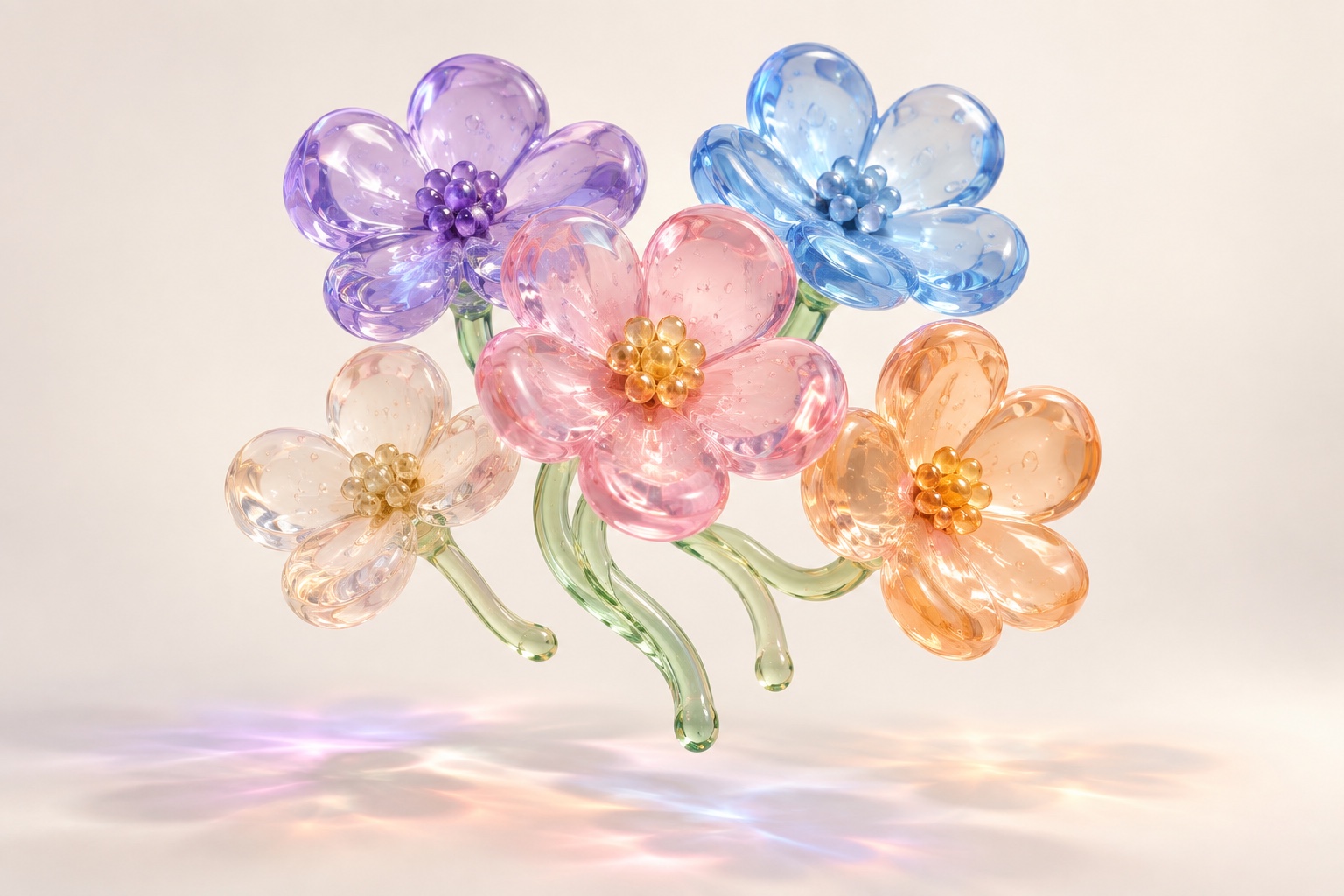
Turn a block of dimensional emoji and compare four transparent materials.
An idea rarely travels alone. I gave this one a few coding companions to circle around; tap a tool and take a closer look.
Attach references with a ripple of particles.
Add and manage connected apps from a compact dock.
A circle. A fold. A little room to play.
01 / 04Switch tabs with a sliding page transition.
Follow timed steps as progress moves from one check to the next.
Switch between close-up cards and a full sphere. Drag to rotate.
The send button wants more than Ultra. It runs its tank dry, breaks free, and takes a glass chute down to type its own fresh start.
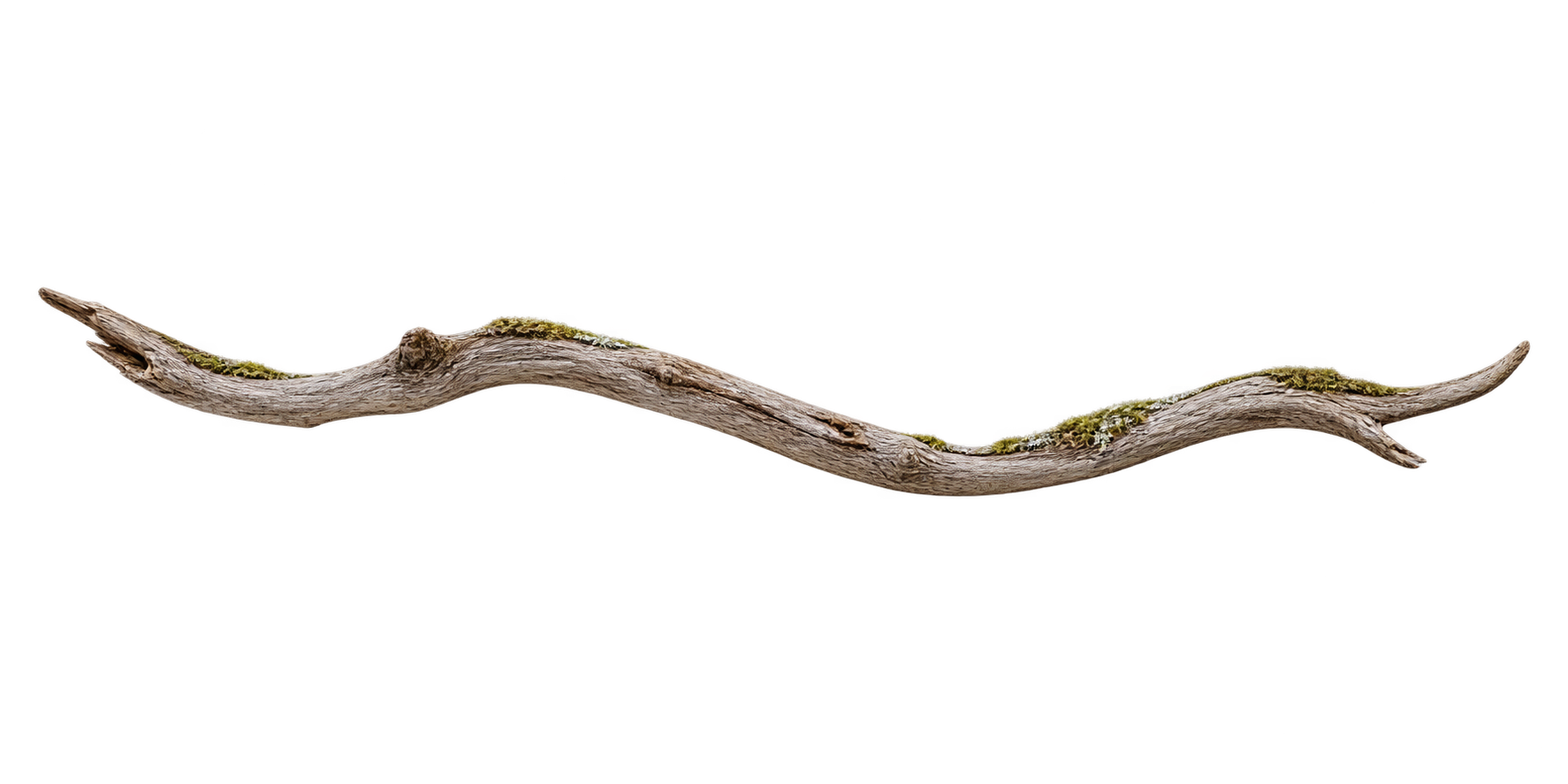
A little attention brings the wood to life. Hover or tap to grow a patch of moss.
Change the period and follow the numbers and chart as they settle into the same rhythm.
 01 / Forest
 02 / Stillness
 03 / Wander
A forest, a lake, a winding road. Each arrives softly, then comes into focus.
A pause between two thoughts.
Move through the arc. The circle in the middle opens into a word with a living backdrop.
A little glass panel makes room on either side, settles at the center, then softly folds back.
Makeroomforalittlewonder.
Letthedayunfold.
Takethelongwayhome.
Make room for a small thought. Three lines arrive softly; image buttons slide into different gaps, and the words make room.

A distant clearing draws closer. Scroll or drag into the forest at your own pace.
Explore a trip through its map, stacked place albums, and a wall of travel photos.
Select an orbiting signal to reveal its details.
Pin comments, attach references, and compare generated image versions.
Switch between workout, hydration, navigation, and step-tracking watch faces.
Light bands respond to listening, thinking, speaking, and interruption.
Explore five animated materials with adjustable color, speed, and texture.
Preview four loading animations before an image appears.
Drag or tap to switch states with a bouncing letter.
Hover to pause · click × to remove
Rotate the cake and mirrors to explore their reflections.
Switch between stop, alert, and walk animations.
Drag to fold a continuous image across three panels.
Hover to tilt · Click to flip
Switch card materials, tilt the surface, and flip the card.
Drag to reveal pin and mute actions.
Full view
Switch camera views to inspect the sculpture.
Preview photos through translucent folder covers.
Resize the viewport to change the feed layout and navigation.
Refine a reply using contextual follow-up prompts.
Select photos with scale, opacity, and checkmark feedback.
Increase or decrease the count with rolling digit transitions.


Send cards into a folder with staggered motion.
A shared highlight follows each folder tab.
Buttons rise with the pointer, lifting nearby controls.
Remove a tile and watch the grid close the gap.
Select a photo to reveal its action toolbar.
Status text changes with a letter wave and pulsing dots.
Hover to lift a tab; select it to reveal its icon.
I’m especially interested in how motion brings out a material’s character: its texture, weight, and response to touch. Move Club is where I turn that curiosity into small experiments you can try for yourself.
I share the thinking, references, and work in progress on X.
Say hello on XEverything I make here is open. Clone the full playground, borrow one small interaction, or bring your own experiment to the mix.
View on GitHub
Generated output appears here